 Lensmith
RAW editor for macOS
Develop anywhere. Upload nothing.
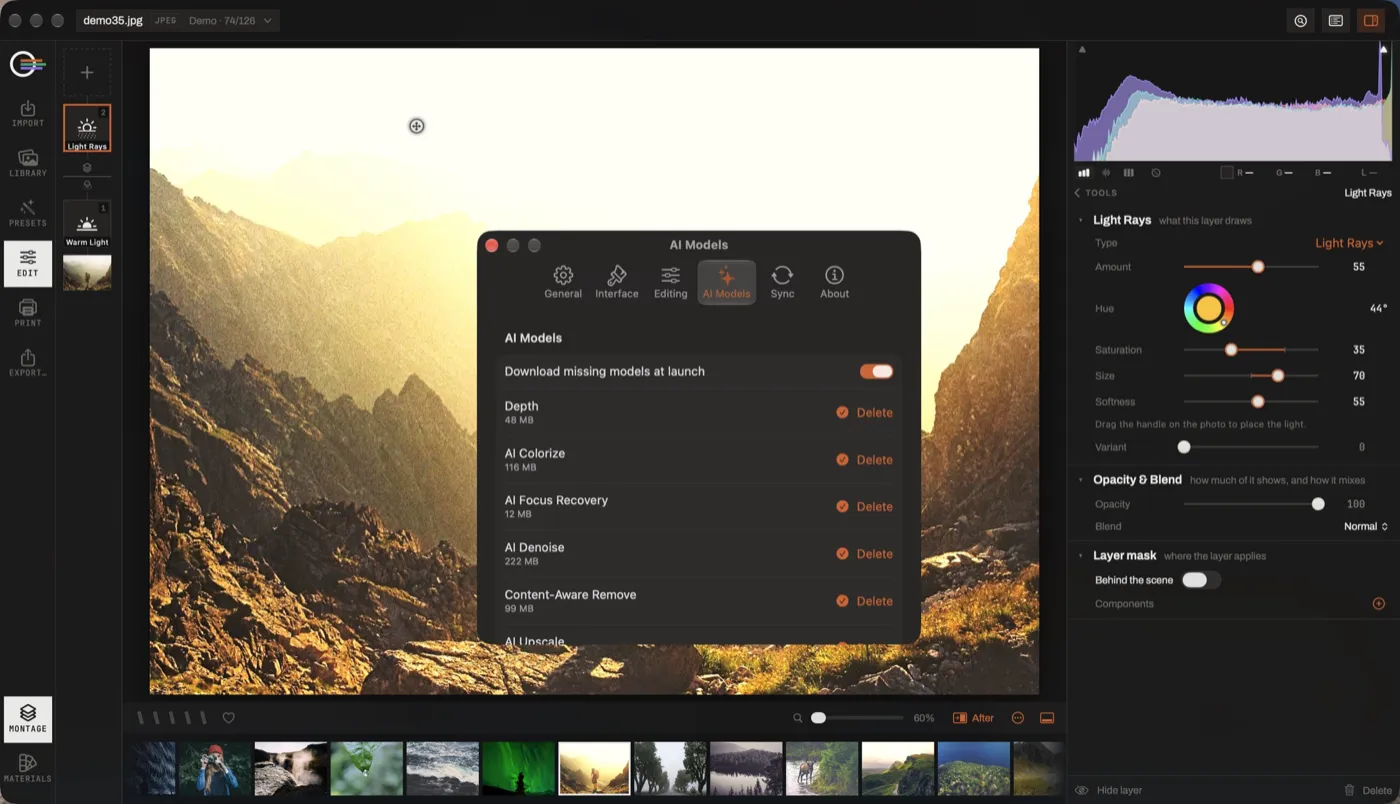
Denoise, deblur, upscale, depth bokeh, content-aware remove, colorize: six models, on your own machine. No upload, no queue, no credits to buy.
macOS 14.6 or later
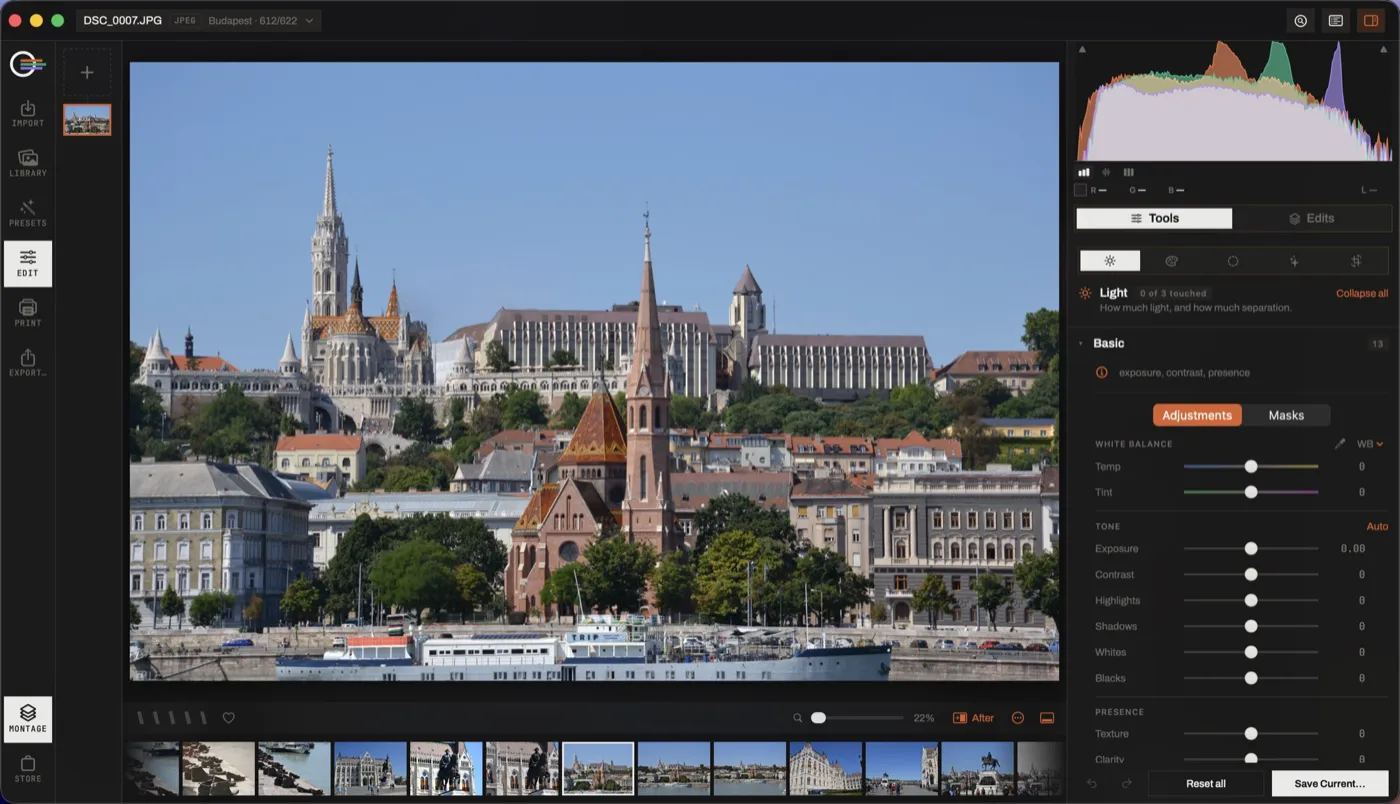
The app
One window, from the card to the print
Lensmith catalogues the folders you already have, where they already are, and develops RAW and JPEG without ever rewriting the original.
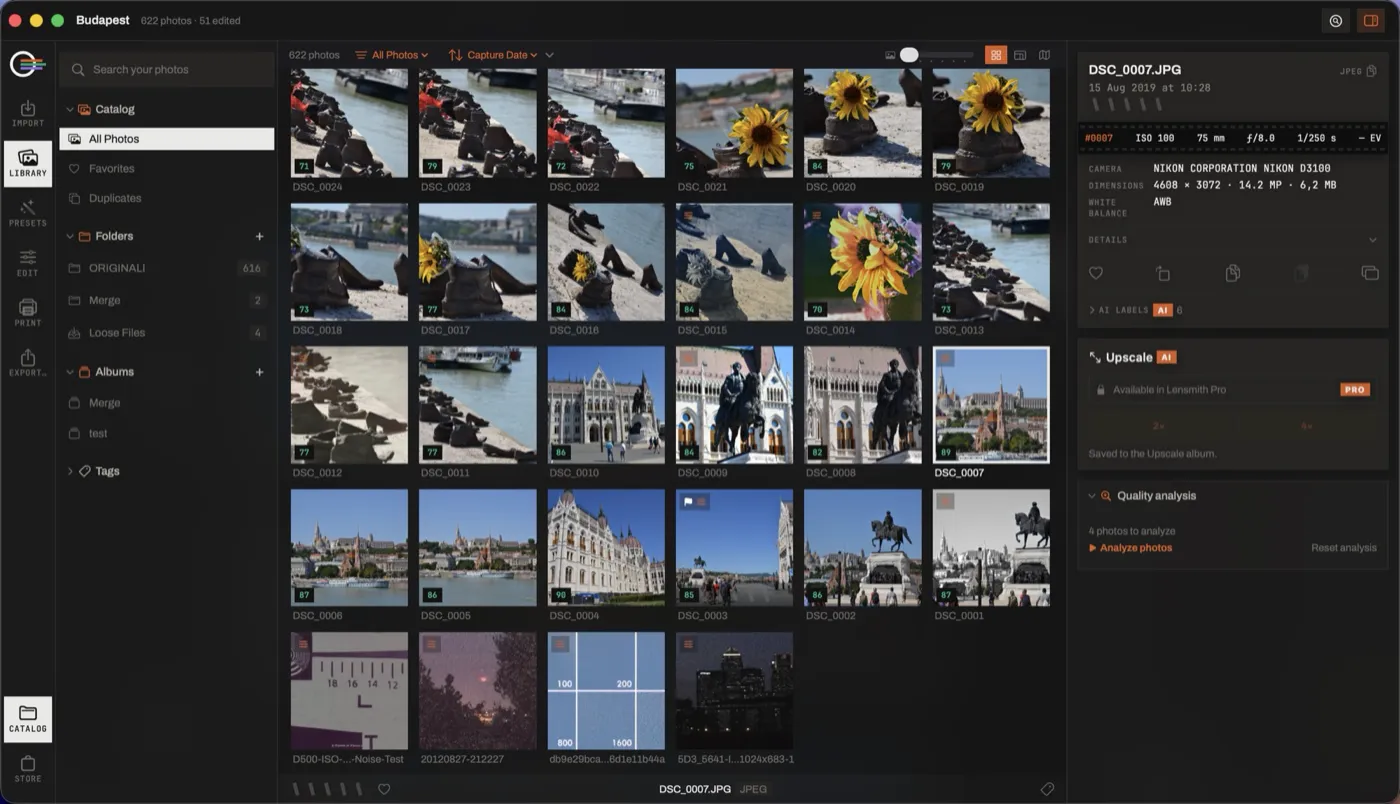
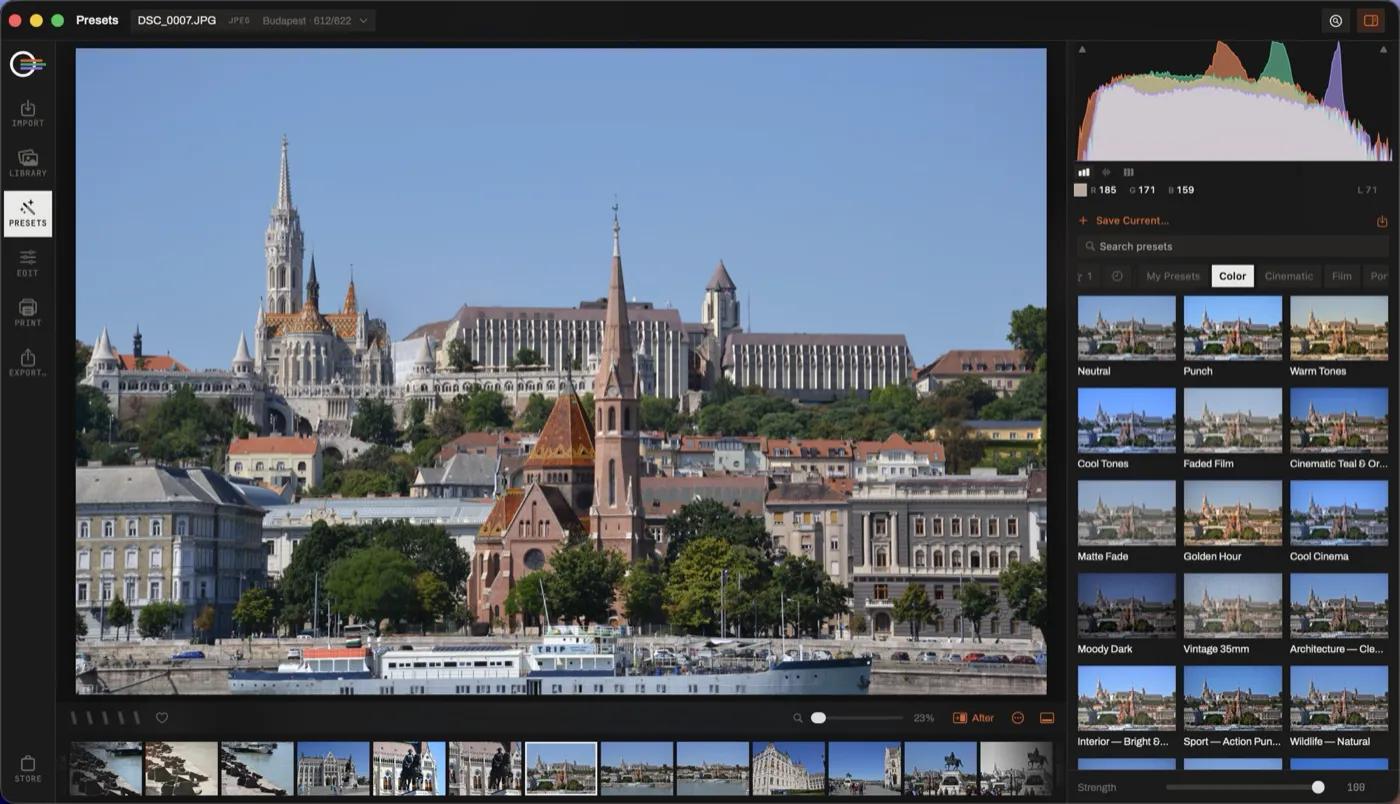
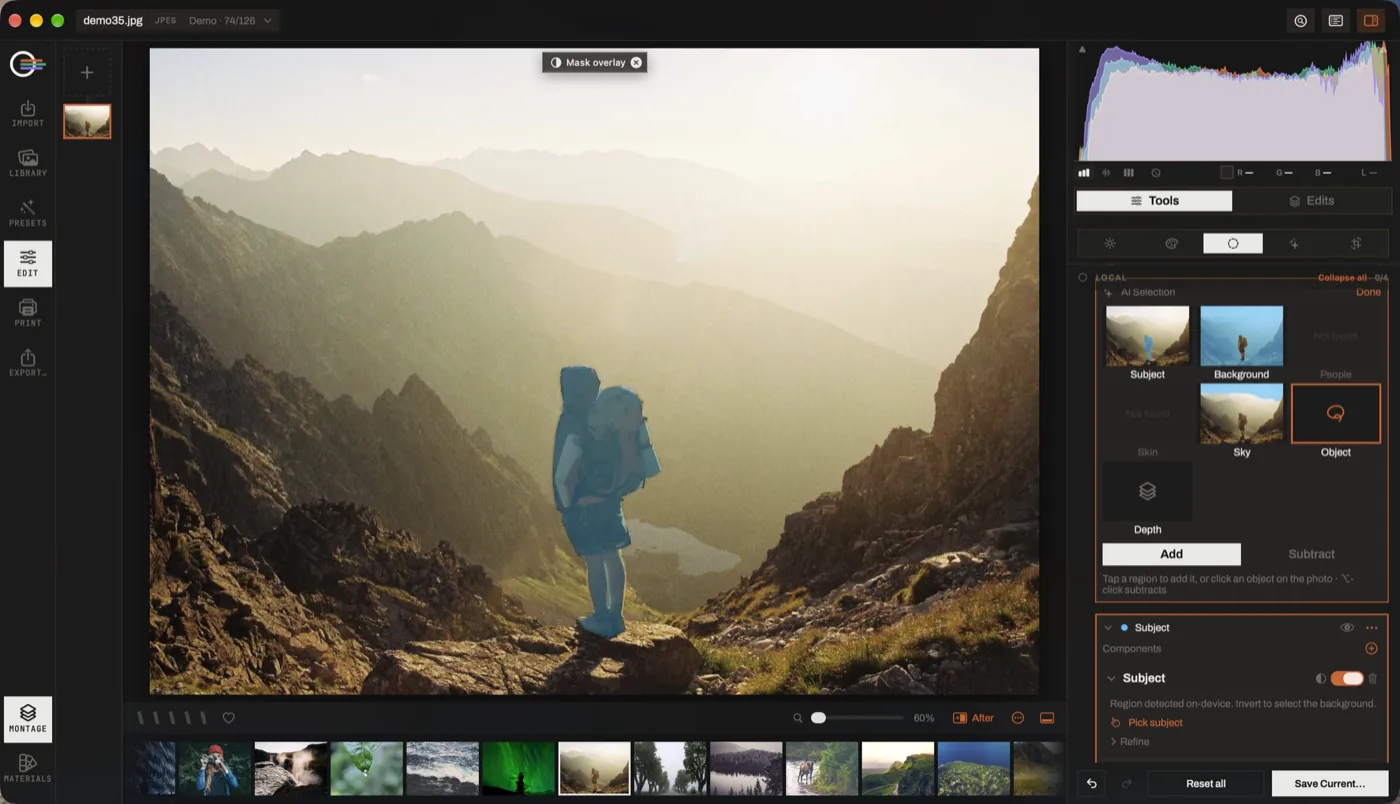
What's inside
Everything your photos need, on your own machine
A library in place
Ratings, flags, albums, duplicates and search by what is in the picture, with nothing moved.
Non-destructive develop
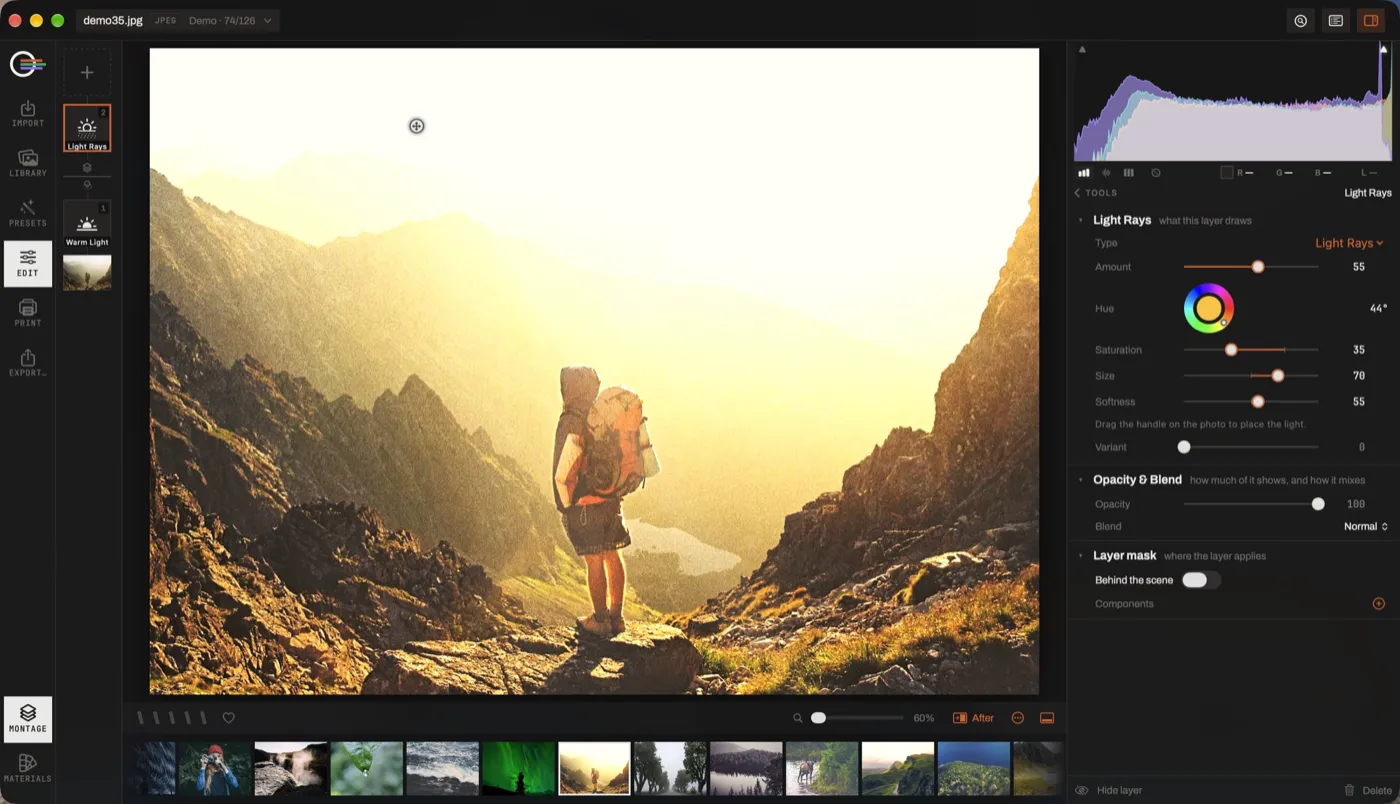
The file on disk is never rewritten: an edit is a recipe, and it copies onto the next hundred frames.
Sliders, curves and masks
All the tools sit on one non-destructive stack.
Denoise and deblur
Rescue a difficult frame, without sending it anywhere.
Upscale and depth bokeh
More pixels and a shallower focus, computed on your Mac.
Remove and colorize
Content-aware remove and colorize, on the same stack.
Presets on your photo
Every look is drawn on your own picture before you choose it, and stays ordinary slider values.
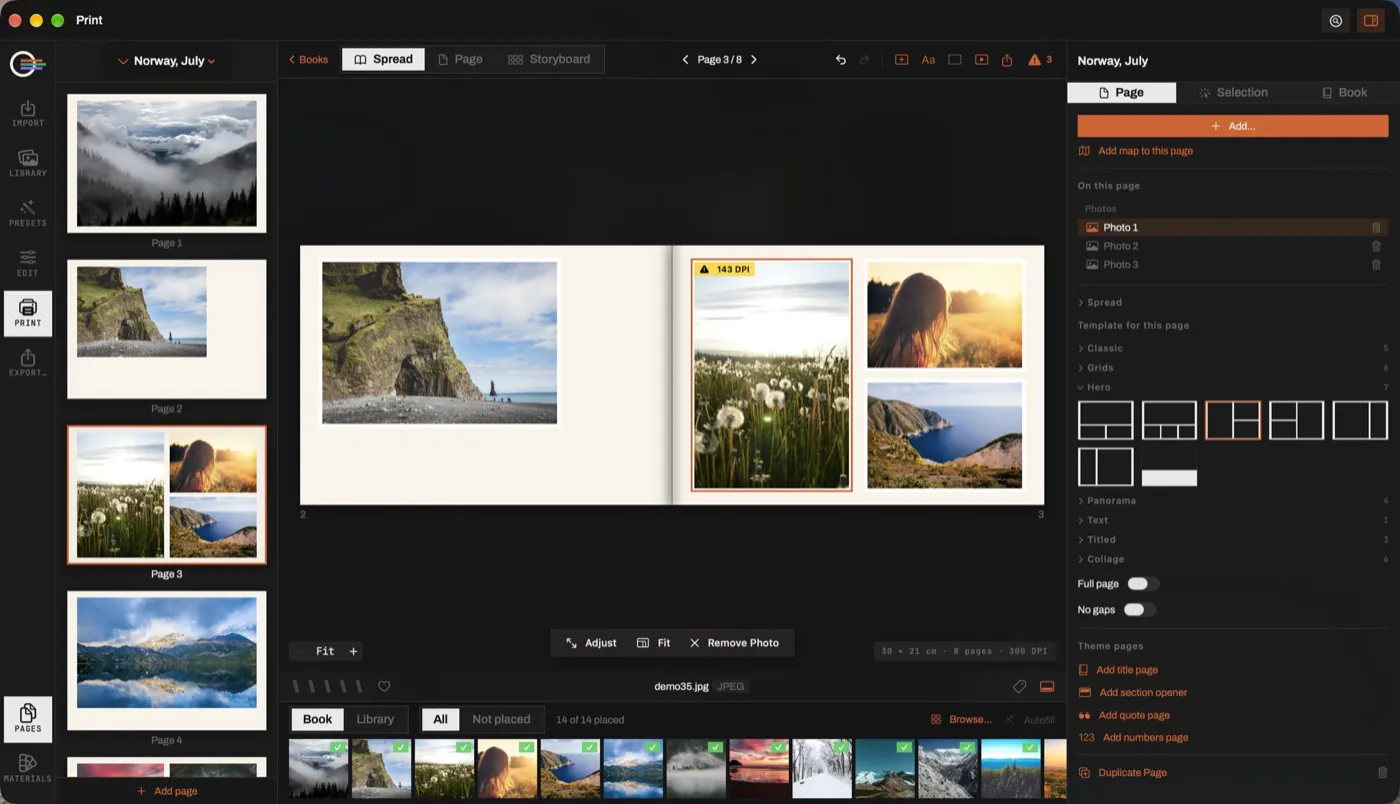
Books, calendars and posters
Lay out the results from the same catalogue.
Official site
Everything about Lensmith
Access, support and privacy are on the official site.