 Multitake
Music · Podcast · All on your device
Play. Talk. Record.
Every channel of your audio interface and every camera, recorded together and kept in sync. Then cut the take in the same app and export it ready to publish.
Mac · iPad · iPhone · macOS 15 or iOS 18, or later
The app
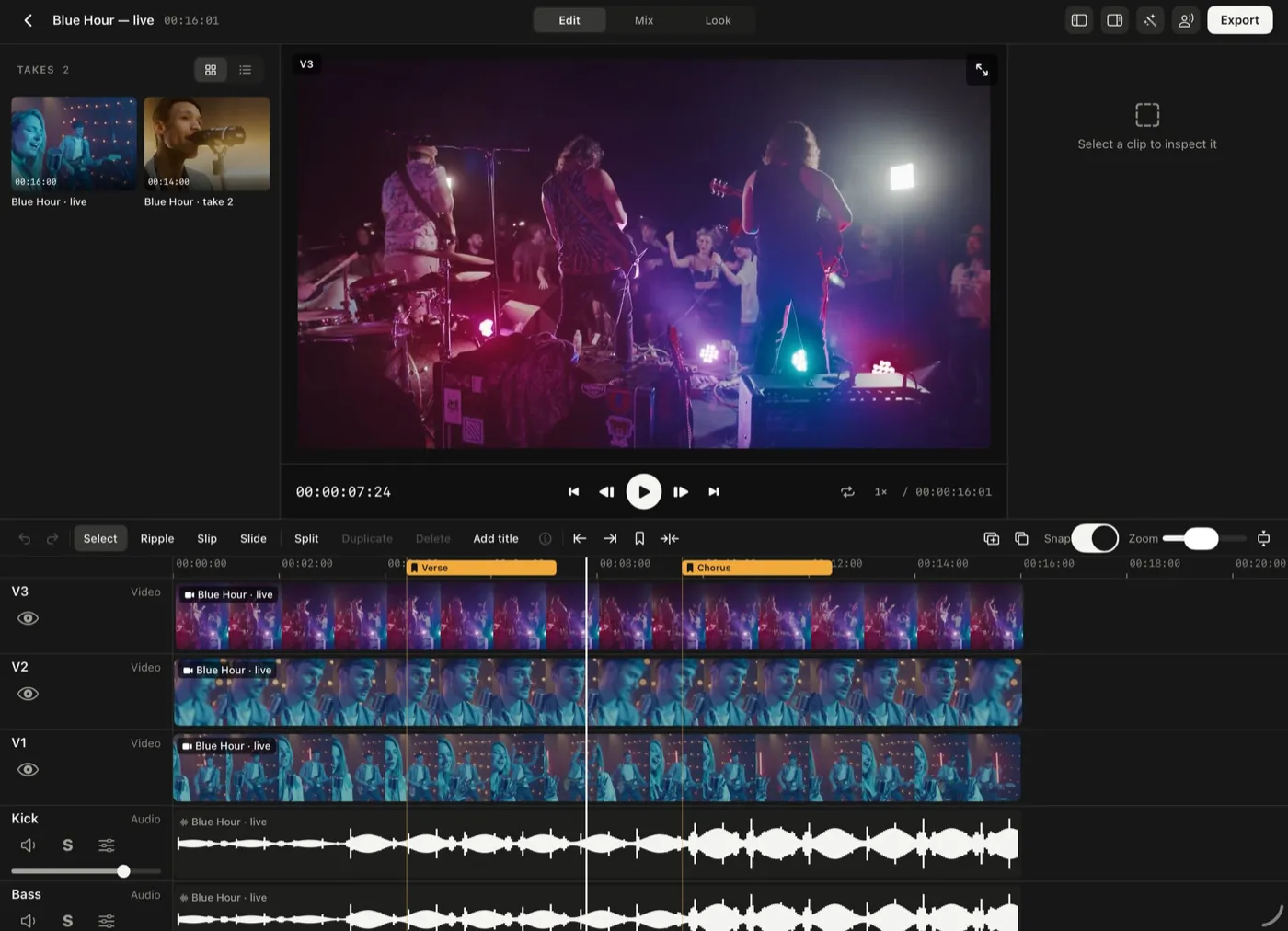
The same recorder, two workspaces
Play over a song split into stems, or run a podcast from a desk of beds and jingles. Your songs, loops and jingles stay in one shared library.
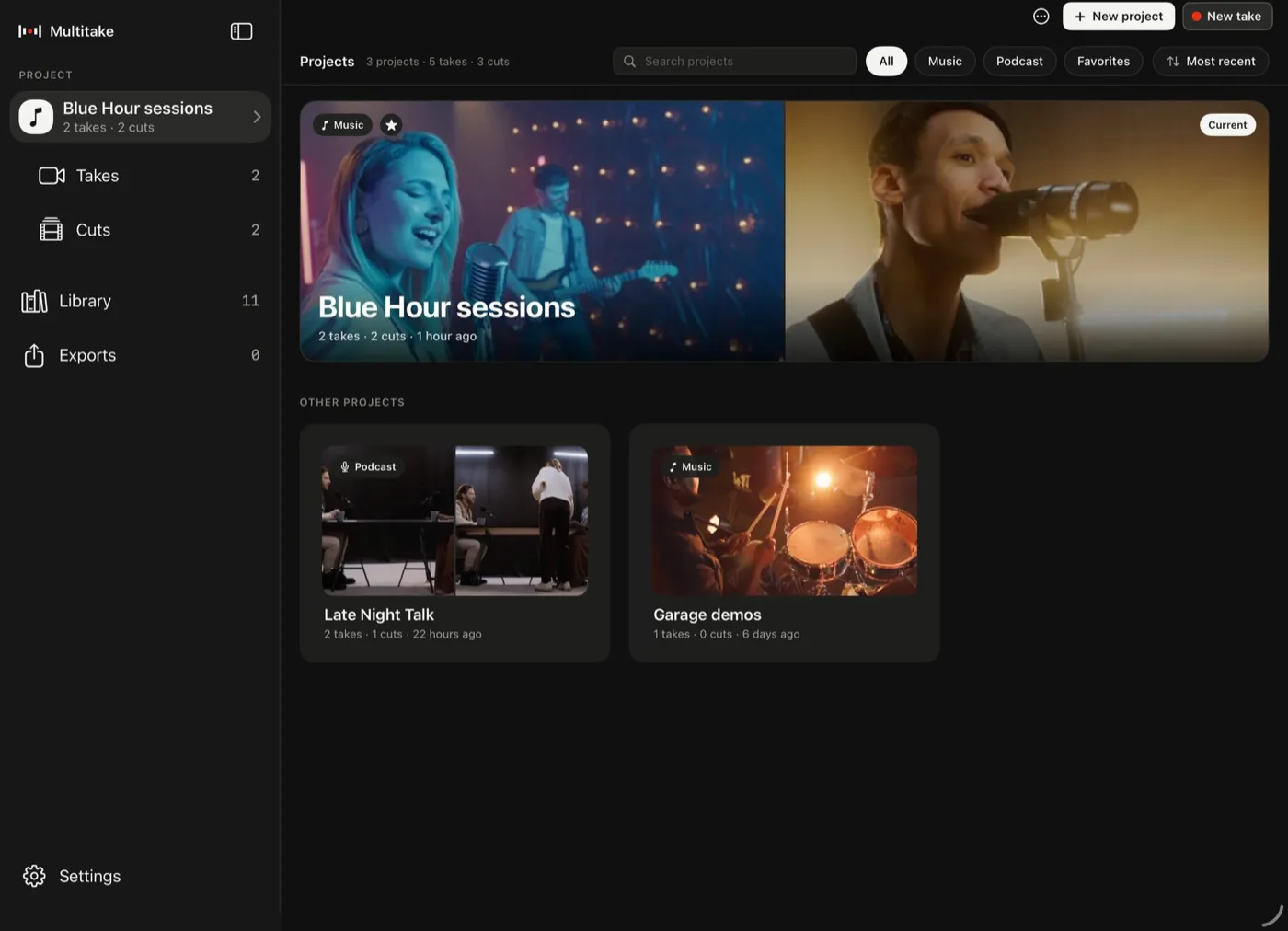
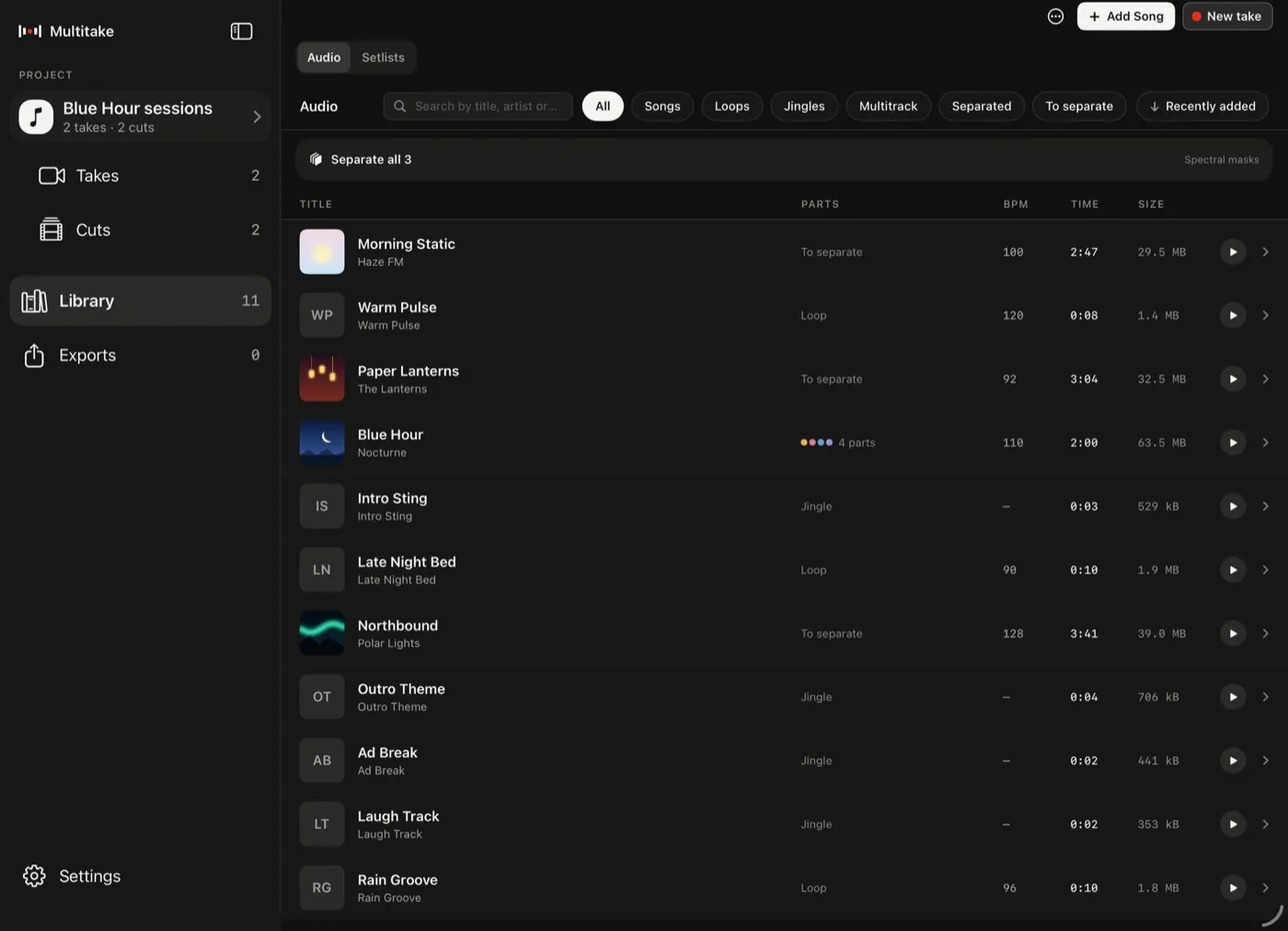
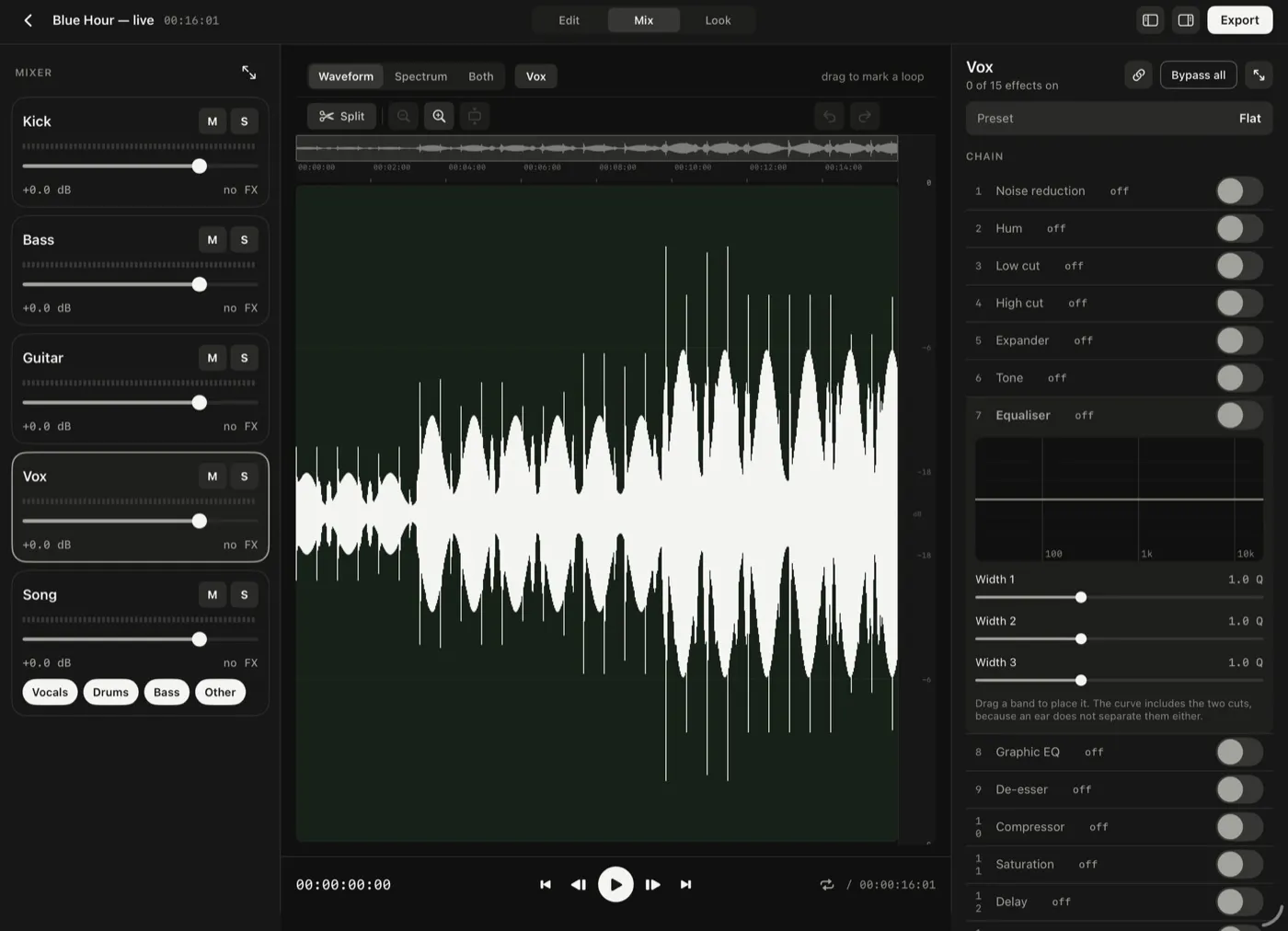
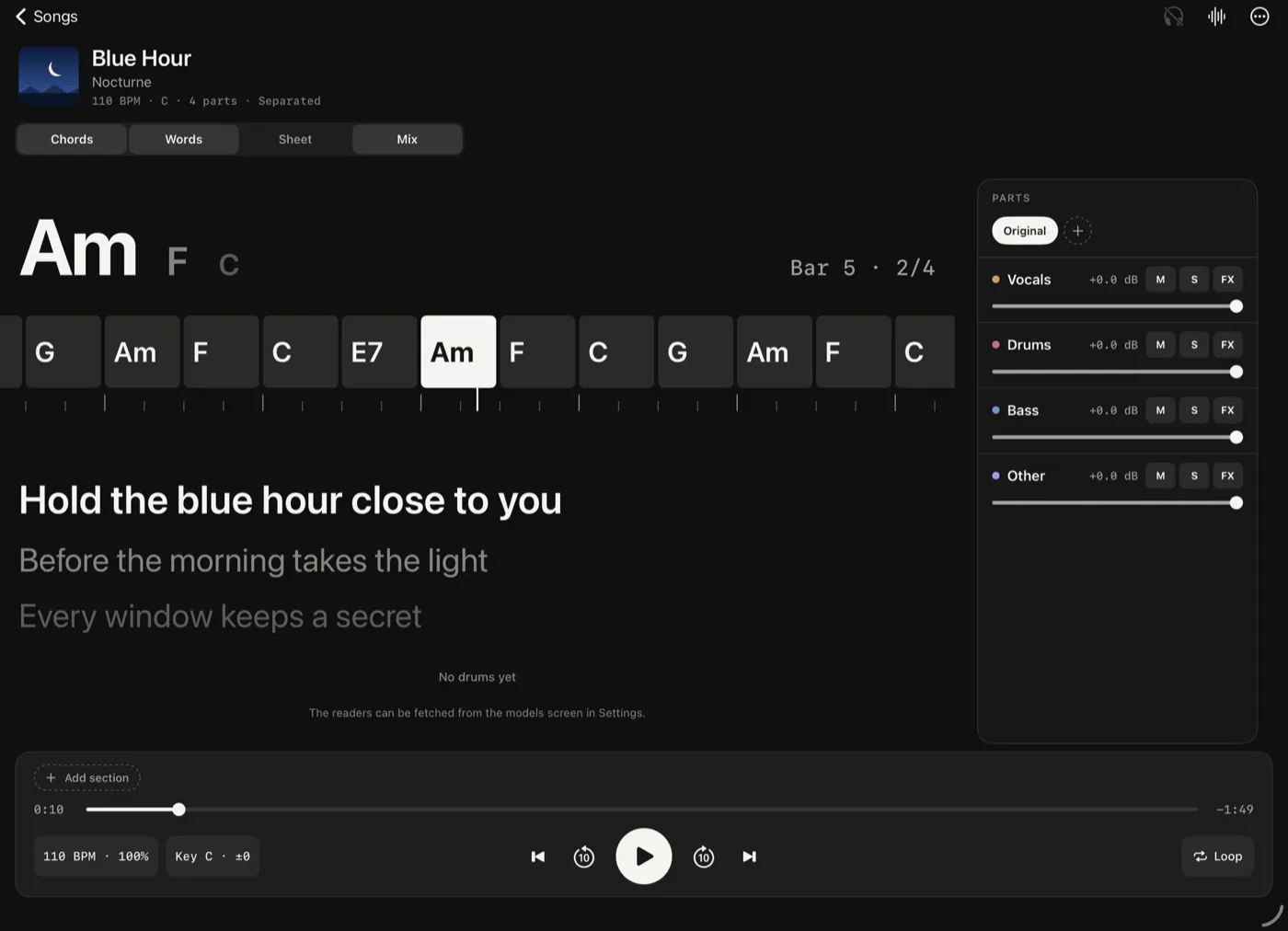
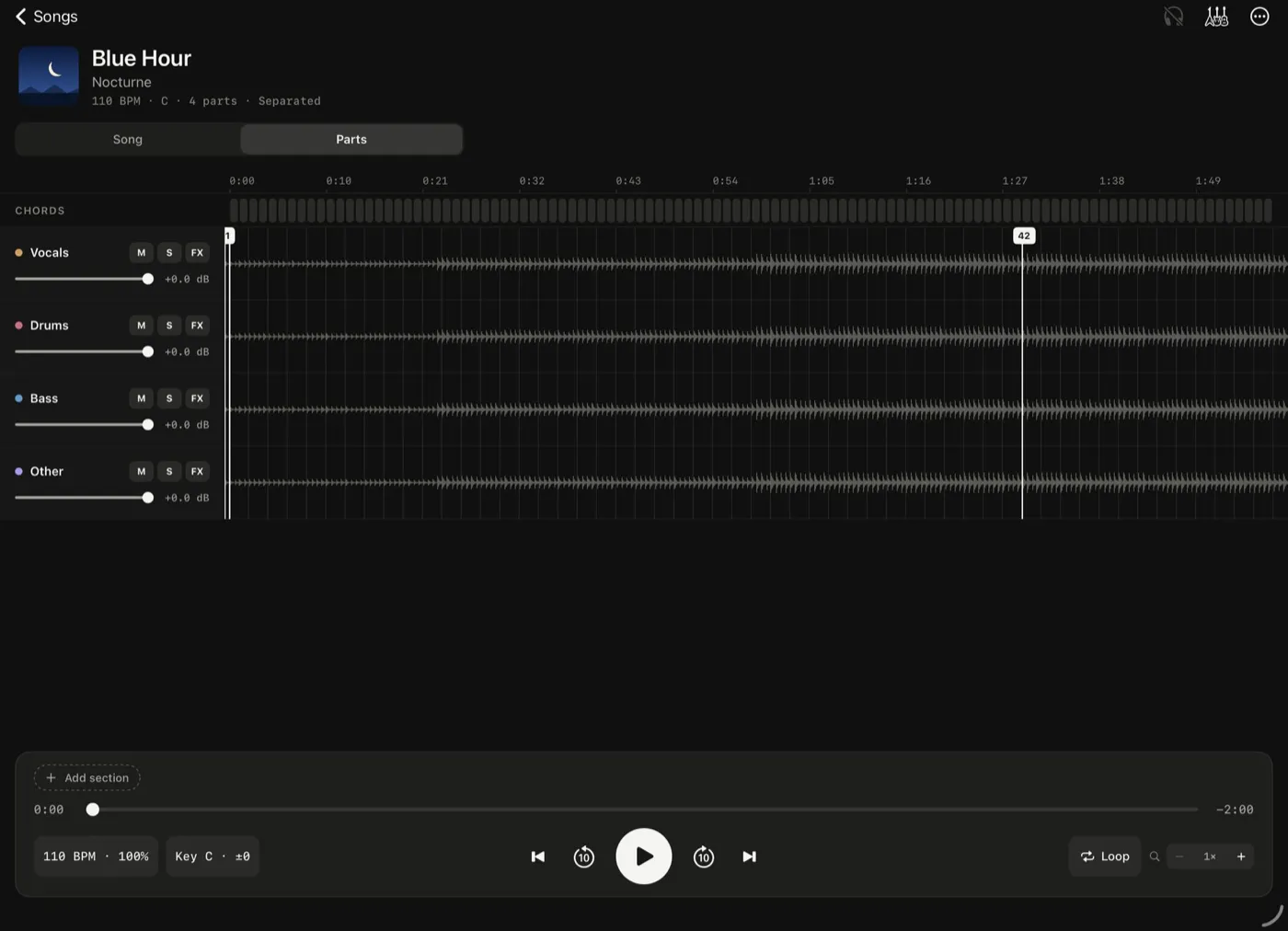
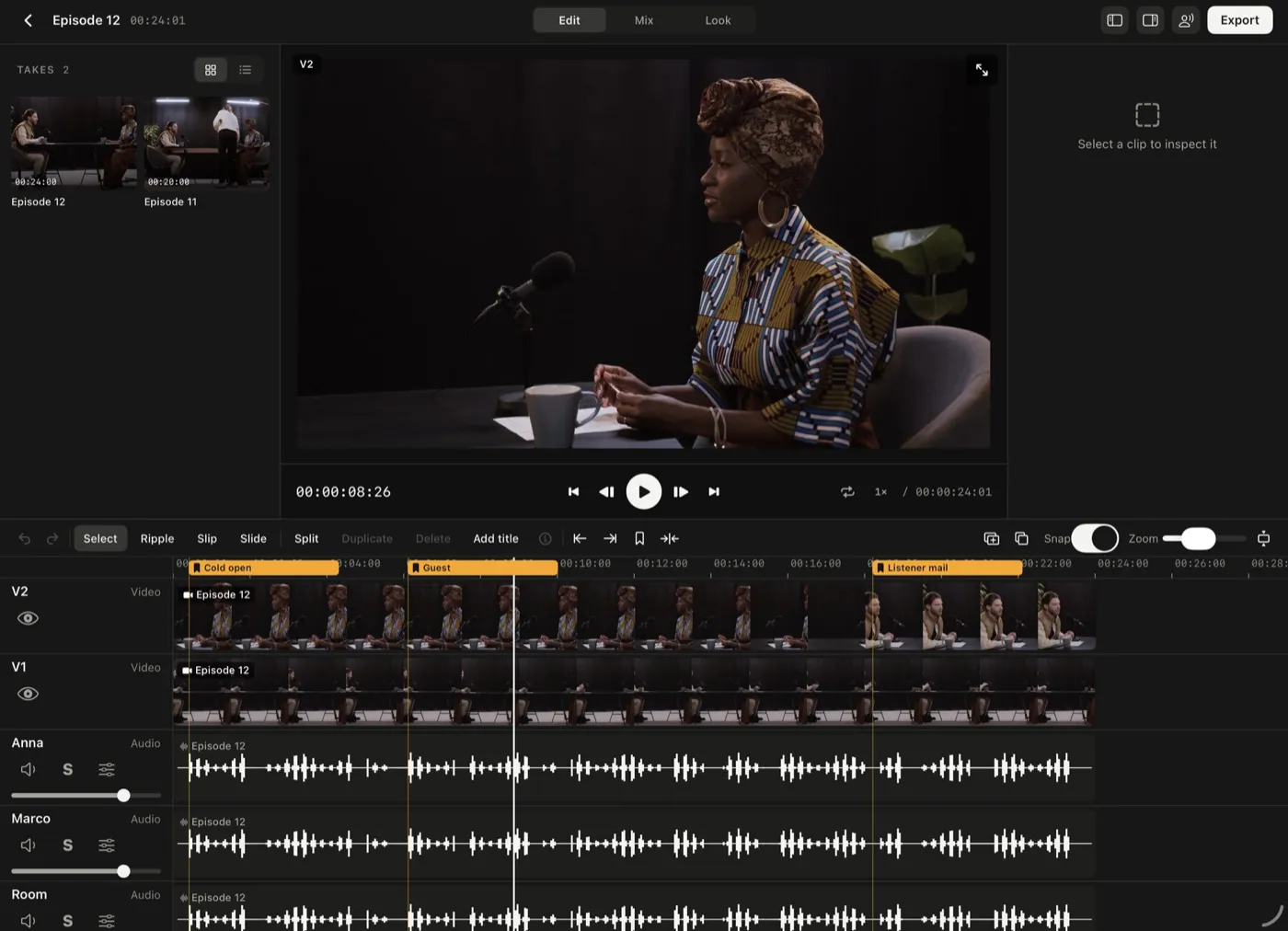
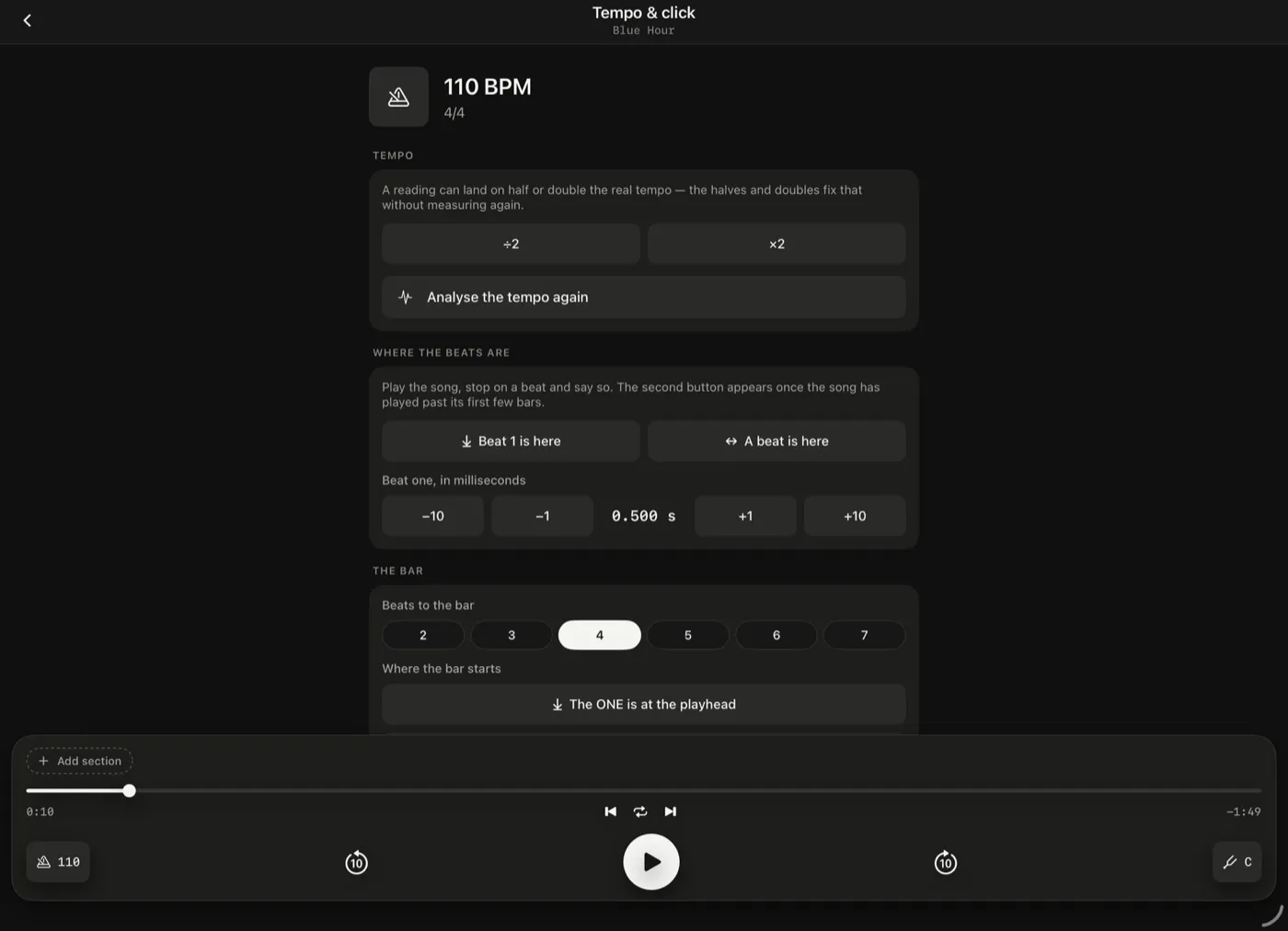
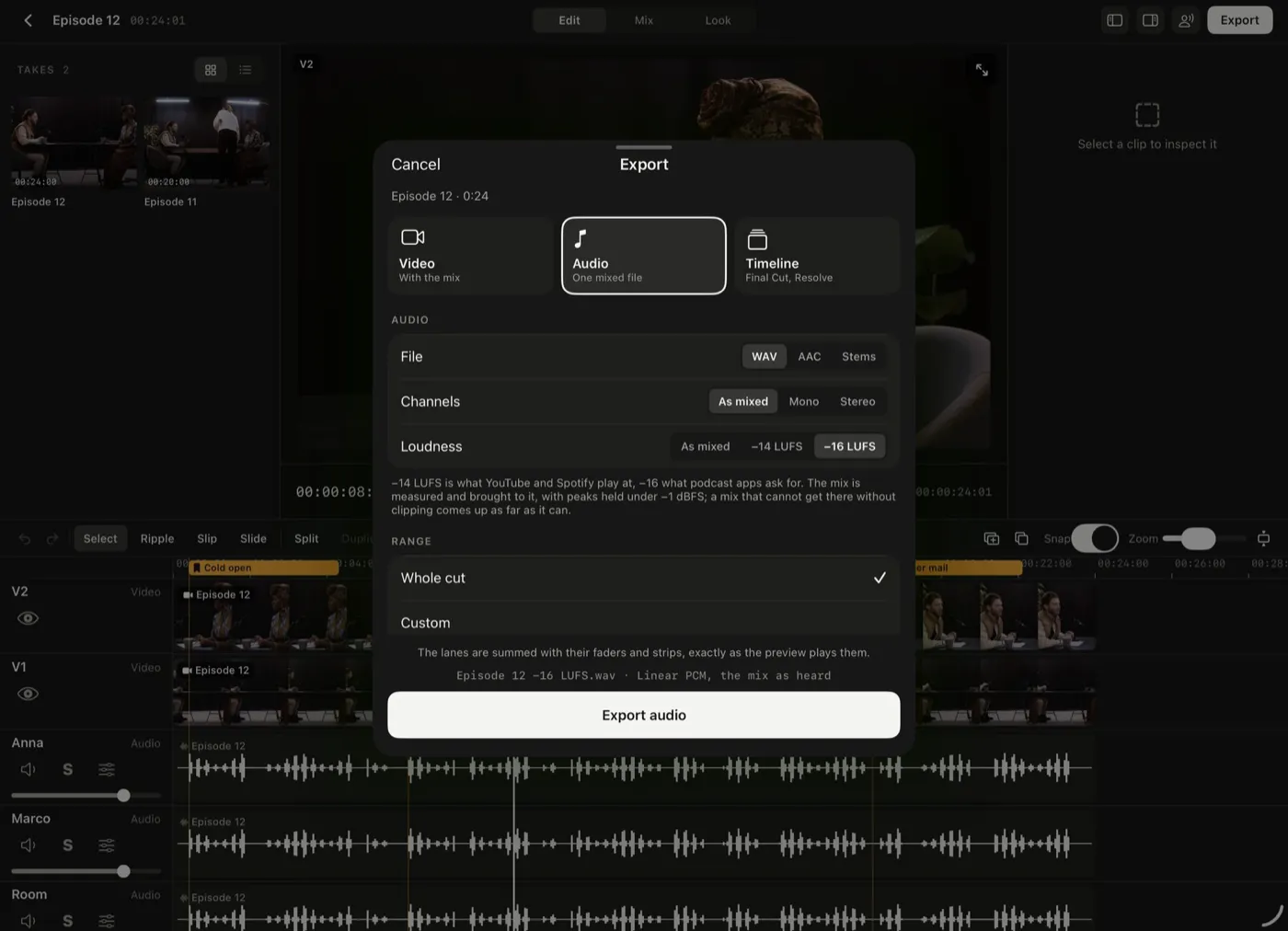
Screens from the iPad build. The songs are made-up test material; the footage is from Pexels: ANTONI SHKRABA production, Artem Podrez, Yan Krukau, Kelly, cottonbro studio.
What's inside
Hit record. Multitake holds the rest.
One clock
The song, each channel of the interface and each camera frame are stamped on the same clock.
A crash keeps the take
Files and timing survive a crash, and at the next launch the take comes back in sync.
Take the part out, keep the song
Vocals, drums, bass and everything else: four stems, separated on your device.
The click sits on the song
BPM, first downbeat and metre are found for you, and the click lands on the real beats.
Beds and jingles under your hands
Beds go round under the voices, and jingles fire the instant you hit them.
The take cuts itself
A multi-camera take is cut to the song, or to whoever is talking.
A preset, then the chain
Presets for voices and instruments, with the whole chain on every lane when you want it.
The chart follows you
Chords and lyrics, timed to the song, and every one is yours to correct.
Official site
Everything about Multitake
Access, support and privacy are on the official site.